
The 20-20-20 rhythm
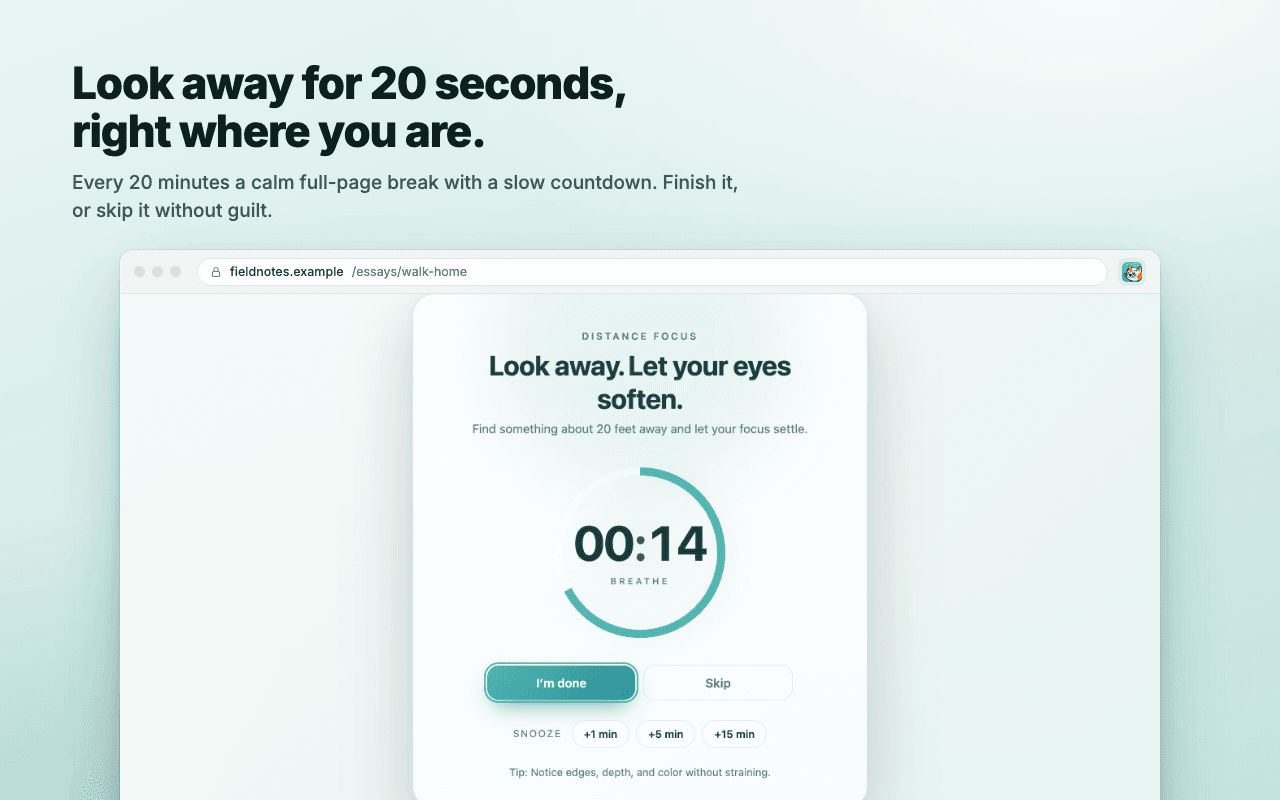
A quiet timer counts down 20 minutes of work, then asks for a 20-second look into the distance. Change the interval and break length to suit you.
The same gentle 20-20-20 rhythm as the Mac app, for anyone who works in a browser. A calm full-page break every 20 minutes, a heads-up before it, blink and posture nudges, and nothing collected about you.
A quiet timer counts down 20 minutes of work, then asks for a 20-second look into the distance. Change the interval and break length to suit you.
The break takes over the tab with a slow countdown and one of four guided prompts: distance focus, slow blinking, neck and shoulders, or calm breathing.
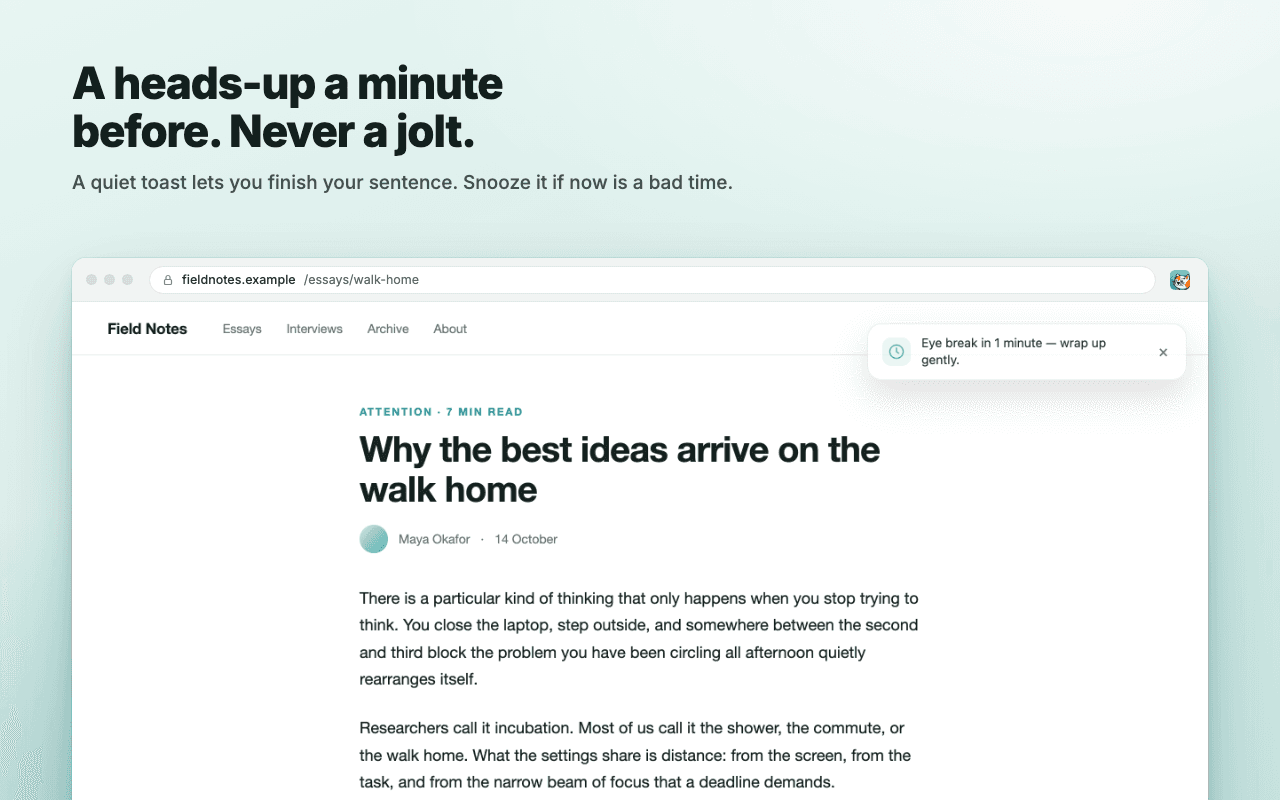
A small toast a minute before the break lets you finish your sentence. Snooze for 1, 5 or 15 minutes if now is a bad time.
Optional micro-reminders between breaks: a nudge to blink fully every few minutes and a posture check every so often.
The timer stops while your computer is idle or locked, and waits while a video is playing full screen.
Set a do-not-disturb window for evenings, and keep the full-page break away from sites where it would get in the way.
Use the extension if you work mostly in a browser or on Windows or Linux. Use the Mac app if you want breaks that follow you into every application and know when not to interrupt.
| Feature | Chrome extension | Mac app |
|---|---|---|
| Price | Free | 7-day trial, then $19 once |
| 20-20-20 breaks with guided prompts | Yes | Yes |
| Heads-up before a break | Yes | Yes |
| Blink and posture nudges | Yes | Yes |
| Works outside the browser | No, Chrome tabs only | Every app, every screen |
| Waits for calls, recording and presentations | Waits for full-screen video and idle | Yes, including microphone use and typing |
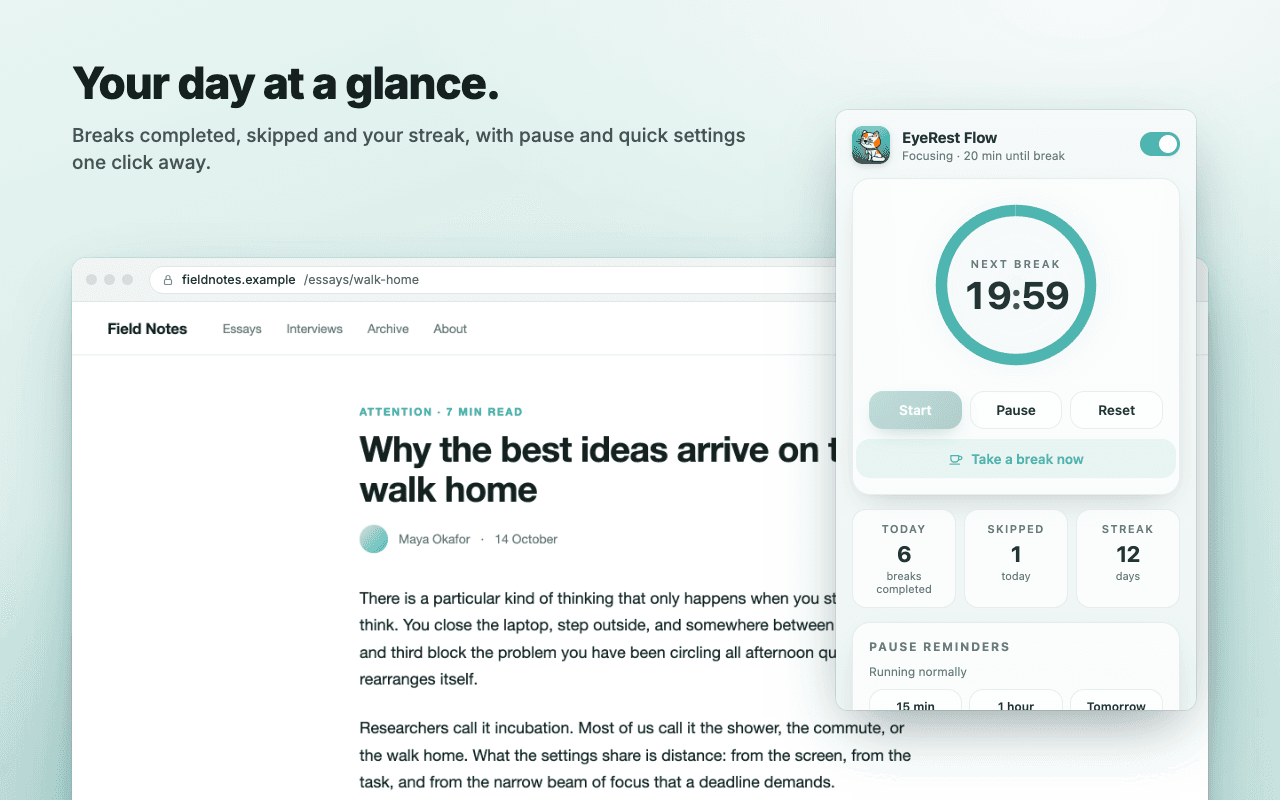
| Menu bar countdown and daily stats | Popup only | Yes |
| Themes | 8 | 9 |
| Languages | English | 6 |
| Leo the companion cat | No | Yes, plus nine more cats to choose from |
| Platforms | Windows, macOS, Linux, ChromeOS | macOS 13 or later |
Yes. The Chrome extension is free, with no account, sign-in or purchase. The Mac app is a separate product with a 7-day trial and a one-time license, no subscription.
Yes. It runs anywhere Chrome runs, including Windows, Linux, ChromeOS and macOS, and in Chromium-based browsers that support Chrome extensions.
No. The extension has no analytics, no remote code and no telemetry. Your settings and stats are stored in your browser and never leave it.
The full-page break appears on ordinary web pages. Chrome does not allow extensions to draw on its own pages or the Web Store, so there you get a desktop notification instead. You can also exclude sites of your choosing.
Yes. Shortcuts take a break now, snooze five minutes and toggle the extension on or off. Set them under chrome://extensions/shortcuts.
The Mac app keeps time across every application, not just the browser; waits for calls, recordings, presentations and typing; shows the countdown and daily stats in the menu bar; and comes with Leo, the companion cat.